AI Automation in 2026: Skills, Tools, Careers & How to Start Written by: Artificial intelligence is changing the way people work—but in 2026, simply knowing
Written by:
Many students believe that modern AI tools have replaced Excel. This is a misconception. In reality, Excel works alongside AI by providing structure, validation, and logic to raw data. Companies across finance, marketing, operations, HR, and analytics still rely heavily on Excel.
Advanced Excel builds analytical thinking, attention to detail, and decision-making ability. These skills are transferable across industries and remain valuable even as technology evolves.
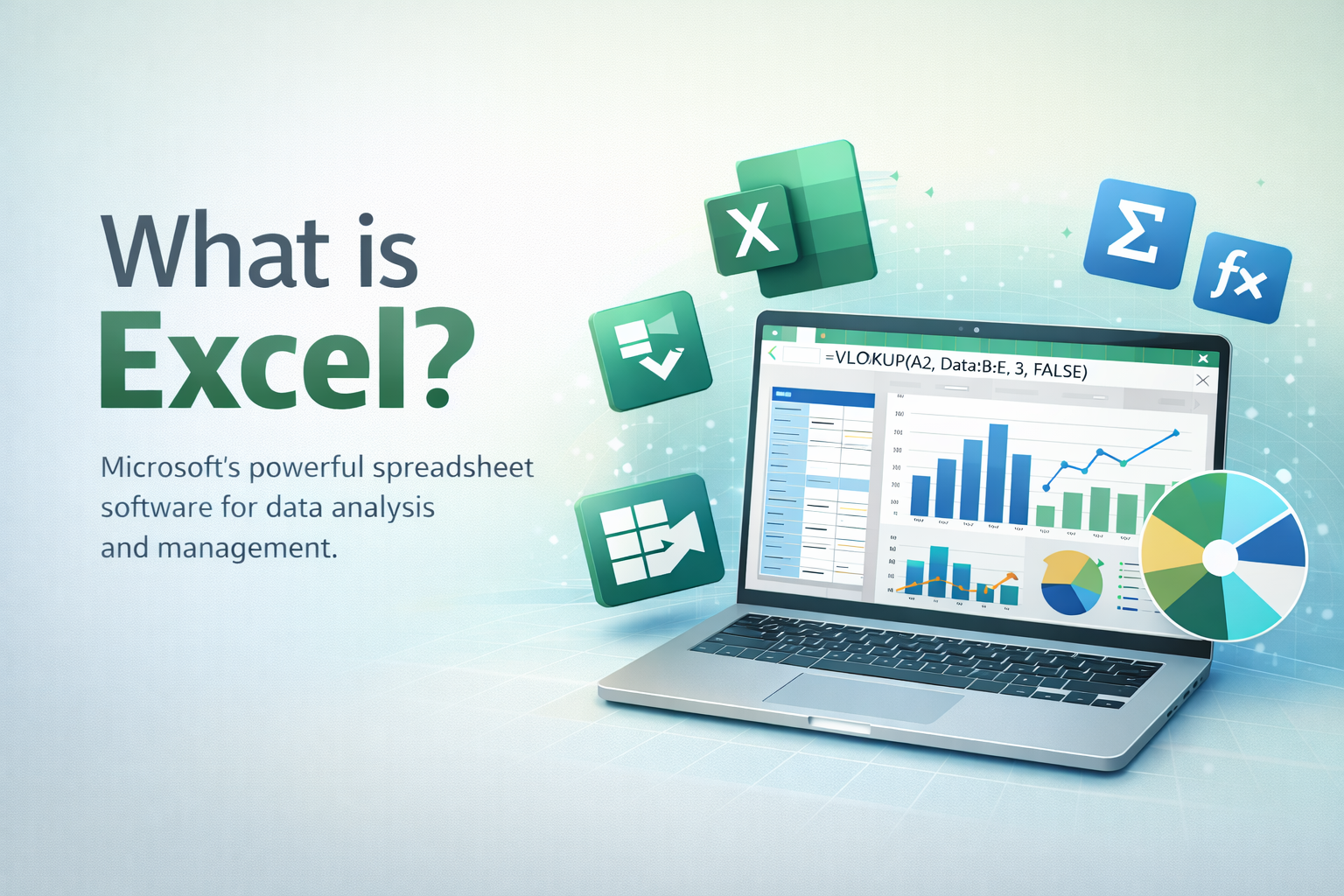
Advanced Excel is the professional use of Microsoft Excel’s powerful tools to manage, analyze, and interpret large volumes of data efficiently. Unlike basic Excel, which focuses on simple data entry and calculations, Advanced Excel enables users to perform complex data analysis using advanced formulas and functions such as VLOOKUP/XLOOKUP, IF, SUMIFS, and INDEX-MATCH. It includes working with Pivot Tables and Pivot Charts to quickly summarize data, creating interactive dashboards and visual reports, applying conditional formatting for better insights, and using data tools like Power Query and What-If Analysis. Advanced Excel also allows task automation through macros and basic VBA, helping save time and reduce manual effort. Overall, Advanced Excel transforms raw data into meaningful business insights and is an essential skill for careers in finance, marketing, data analysis, operations, and corporate roles.
Formulas are the foundation of Advanced Excel. Students must master functions such as VLOOKUP, XLOOKUP, INDEX with MATCH, IF, IFS, COUNTIFS, SUMIFS, TEXT, DATE, and logical functions. These formulas help students compare datasets, apply conditions, and automate calculations.
Instead of memorizing syntax, students should focus on understanding why a formula works. This logical approach prepares them for real-world data problems.
Pivot Tables are one of the most powerful tools in Excel. They allow students to summarize thousands of rows of data in seconds. Using Pivot Tables, students can analyze trends, compare performance, and generate structured reports.
This tool is widely used in finance, sales analysis, MIS reporting, and business intelligence roles.
Real-world data is rarely clean. Advanced Excel teaches students how to prepare data using Remove Duplicates, Text to Columns, Flash Fill, Find and Replace, and Data Validation tools.
Clean data ensures accuracy and reliability. Employers value professionals who can detect and correct data errors before analysis.
Dashboards transform complex data into meaningful visuals. Advanced Excel dashboards use charts, slicers, KPIs, and conditional formatting to communicate insights clearly.
Students who can build dashboards demonstrate both technical skill and business understanding.
Automation is a key advantage of Advanced Excel. Macros help automate repetitive tasks such as report formatting and data consolidation. Basic VBA knowledge significantly improves efficiency and accuracy.
Advanced Excel plays a crucial role in business decision-making. Students learn how to use scenario analysis, what-if analysis, goal seek, and data tables to evaluate outcomes before decisions are made.
These tools teach students how managers assess risk and plan strategies using data.
While tools like Power BI and Tableau are popular, Excel remains the foundation. Excel integrates easily with other analytics platforms and helps students understand data fundamentals before moving to advanced tools.
Advanced Excel cannot be mastered through theory alone. It requires hands-on practice with real datasets and guided learning. At DICS India, students learn Advanced Excel through live practical sessions, business case studies, and project-based training.
This approach helps students transition from basic Excel users to confident professionals.
Explore practical training:
Advanced Excel skills open doors to roles such as Data Analyst, MIS Executive, Business Analyst, Accounts Executive, Operations Analyst, and Digital Marketing Analyst.
Excel is often the first requirement listed in job descriptions, making it a gateway skill for analytics careers.
No. With structured learning and regular practice, beginners can learn Advanced Excel comfortably.
With focused practice, students can become job-ready within 4 to 8 weeks.
Yes. Students from commerce, arts, management, and science backgrounds benefit equally.
Yes. Advanced Excel is one of the most demanded skills across entry-level roles.
Advanced Excel is not just a software skill; it is a thinking skill. Students who master Advanced Excel develop confidence, problem-solving ability, and professional readiness. Learn it deeply, practice it practically, and build a strong foundation for your career.
If you’re serious about building real-world Excel skills, the next step is guided, hands-on practice.
At DICS India, students learn Advanced Excel through live projects, real datasets, and step-by-step mentoring, not just theory.
Explore the Advanced Excel course at DICS India

Read our expert-written latest articles to stay updated with industry trends, enhance your knowledge, and boost your skills for career growth.

AI Automation in 2026: Skills, Tools, Careers & How to Start Written by: Artificial intelligence is changing the way people work—but in 2026, simply knowing

Written by: Digital marketing has become one of the most exciting career fields in India. From startups and e-commerce companies to educational institutions, real estate

Written by: Most students in Delhi hear “NIELIT,” they either think it’s just that CCC certificate their college made them get, or they have no
Take the first step towards a smarter Future 🚀