AI Automation in 2026: Skills, Tools, Careers & How to Start

Written by:

Artificial intelligence is changing the way people work—but in 2026, simply knowing how to use an AI chatbot is no longer the whole story.

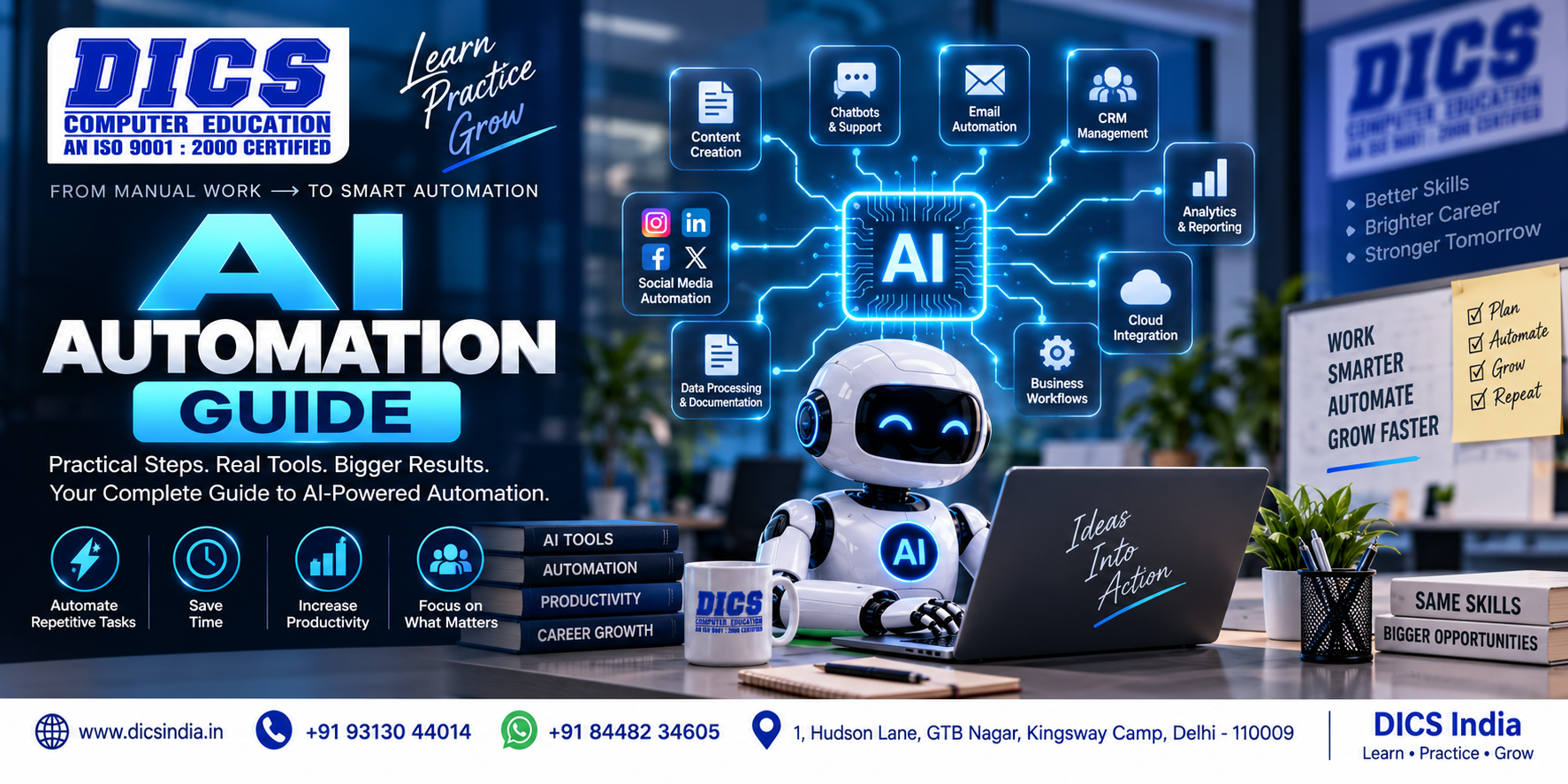
The bigger opportunity is AI automation: connecting AI with software, data and business processes so that repetitive tasks and workflows can be completed with less manual effort.

From marketing and sales to customer support, reporting and operations, businesses are exploring ways to integrate AI into everyday workflows.

That creates a practical question:

What exactly is AI automation, what skills do you need, and how can a beginner start learning it?

This guide explains everything from AI workflows and automation tools to career opportunities and a practical learning roadmap.

Table of Contents

What Is AI Automation?

AI automation is the use of artificial intelligence together with automation technologies to perform tasks, process information, generate outputs and manage workflows with limited manual intervention.

Unlike traditional automation, which usually follows fixed rules, AI automation can work with more variable inputs such as natural language, documents and unstructured information.

For example:   Traditional automation:  Form submitted → Send email

AI automation:   Form submitted → AI understands the enquiry → Classifies the lead → Generates a response → Updates CRM → Notifies the sales team

The goal is not simply to replace people. It is to make workflows faster, more scalable and easier to manage while keeping appropriate human oversight.

Why Is AI Automation Important in 2026?

Automation isn’t new. Businesses have been automating emails, spreadsheets, invoices, notifications and data entry for years.

What’s changing is the type of work that can be included in an automated process. Earlier automation generally worked best when the input was predictable.

For example: If a customer completes this form, send this email. AI can make the workflow more flexible. A customer might write:

“Hi, I’m looking for a Python course. I’m a college student and I don’t know whether I should start with Python or data analytics.”

That isn’t a simple checkbox.

An AI system can analyse the message, identify the subjects being discussed and route the enquiry accordingly. This doesn’t mean the AI should make every decision by itself.

In many real-world situations, the better approach is:

AI handles the repetitive interpretation → automation moves the information → a human handles important decisions.

That human-AI combination is becoming an important part of workplace discussions. The World Economic Forum has noted that organisations need to redesign work around AI while retaining human oversight, process knowledge and decision-making.   

Learn Digital Marketing with DICS India

How Does AI Automation Work?

A typical AI automation workflow has several parts.

1. Trigger

Something starts the process.

It could be:

  • A website form submission
  • A new email
  • A customer message
  • A new spreadsheet row
  • A payment
  • A calendar event
  • A support ticket
  • A new document

2. Data

The system receives information.

For example:

Name: Rahul
Course interest: Python
Question: “Is it suitable for someone with no programming background?”

3. AI Processing

An AI model interprets the information.

It might determine:

  • The person is a beginner
  • They are interested in Python
  • They need information about eligibility
  • The enquiry should be categorised as a course lead

4. Automation

The workflow decides what happens next.

For example:

Send the enquiry to the admissions team.

or:

Add the lead to the appropriate CRM category.

5. Final Action

The workflow completes the task.

That could mean:

  • Sending an email
  • Updating a spreadsheet
  • Creating a CRM record
  • Generating a report
  • Sending a notification
  • Creating a task for a team member

This is the basic architecture behind many AI automation systems.

Kickstart Your Digital Marketing Career Today

AI Automation vs Traditional Automation

Traditional Automation AI Automation
Usually follows fixed rules Can interpret less-structured information
Works well with predictable inputs Can work with text, documents and natural language
Uses “If X, then Y” logic AI can analyse information before deciding the next step
Usually deterministic AI outputs can vary
Easier to test Requires additional monitoring and validation
Useful for repetitive processes Useful when understanding information is part of the process
Take the Next Step Toward a Practical Tech Career
If learning excites you but direction feels unclear, we can help. Our programs are built to turn curiosity into confidence through hands-on training and real-world guidance.

Where Can AI Automation Be Used?

There isn’t one industry called “AI automation.”

The same basic idea can be applied to many different types of work.

Marketing

Marketing teams can use AI automation for tasks such as:

  • Sorting leads
  • Analysing customer messages
  • Creating content drafts
  • Summarising campaign data
  • Generating reports
  • Organising research
  • Monitoring repetitive marketing workflows

The human marketer still needs to decide what the brand should say and whether the output is actually useful.


Customer Service

AI automation can help with:

  • Categorising support requests
  • Finding information
  • Preparing responses
  • Summarising conversations
  • Routing tickets
  • Identifying urgent requests

For sensitive or complicated situations, human review remains important.


Sales

Sales teams can automate parts of:

  • Lead qualification
  • CRM updates
  • Follow-up reminders
  • Meeting summaries
  • Email drafting
  • Customer research

The objective isn’t simply to send more messages.

It’s to reduce administrative work so salespeople can spend more time on conversations that actually require them.


Finance and Accounting

Automation can assist with repetitive processes such as:

  • Organising financial data
  • Extracting information from documents
  • Categorising transactions
  • Generating reports
  • Sending reminders
  • Processing routine documentation

Financial workflows require particular care because incorrect information can have real consequences.


Human Resources

Possible applications include:

  • Organising applications
  • Scheduling interviews
  • Summarising candidate information
  • Preparing onboarding documents
  • Answering routine employee questions

Again, automation should not automatically become the final decision-maker for important employment decisions.


Content Operations

Content teams can use AI automation to help with:

  • Research organisation
  • Brief creation
  • Content outlines
  • Repurposing material
  • Summarisation
  • Content distribution workflows
  • Performance reporting

The important word here is help.

A content workflow still needs editorial judgement.

What Skills Do You Need for AI Automation?

This is where beginners sometimes make a mistake. They assume AI automation is mostly about learning tools. It isn’t. Tools change quickly. The underlying skills are more useful.

1. AI Fundamentals

Understand what AI models can and cannot do. You should know the difference between:

  • Generative AI
  • Large language models
  • Machine learning
  • AI agents
  • Automation
  • APIs
  • Workflow systems

You don’t necessarily need advanced mathematics to begin.


2. Prompting

If you’re working with language models, you need to know how to give them useful instructions. Good prompting isn’t simply writing long prompts.

It involves:

  • Providing context
  • Defining the task
  • Giving relevant information
  • Setting constraints
  • Specifying the desired output
  • Checking the result

3. Workflow Thinking

This may be the most underrated skill. Before building anything, ask:

What happens first?

What information is needed?

What happens next?

Where can something go wrong?

When does a human need to intervene?

That is process thinking. And it matters more than memorising the buttons inside an automation platform.


4. APIs and Integrations

You don’t have to become a full-stack developer to understand APIs. But learning what an API does can make automation much easier to understand. An API essentially allows different software systems to communicate.

For example:

Website → API → AI service → CRM

That simple concept opens up many possibilities.


5. Data Handling

Automation is only as good as the information moving through it. You should understand basic concepts such as:

  • Structured data
  • JSON
  • Tables
  • Fields
  • Variables
  • Data validation
  • Duplicates
  • Permissions

6. Basic Programming

Coding is not mandatory for every automation project. But basic programming knowledge can become extremely useful when you want to build more advanced workflows. Learning some Python or JavaScript, for example, can help you understand:

  • Variables
  • Conditions
  • Loops
  • APIs
  • Data processing
  • Webhooks

How DICS Approaches AI Automation Learning

At DICS, the focus should not be on teaching students a list of trendy AI tools and sending them home with a certificate. AI automation makes more sense when students understand why a workflow exists in the first place. A practical learning approach can include:

  • AI fundamentals
  • Prompting
  • Workflow design
  • Automation concepts
  • AI tools
  • APIs and integrations
  • Data handling
  • Basic programming concepts
  • Practical projects
  • Human review and responsible AI use

The goal is simple:

Understand the problem → design the workflow → build it → test it → improve it.

For students who want structured learning, explore the AI Automation Learning Course at DICS and related AI courses available through the institute.

Frequently Asked Questions

AI automation means using AI inside an automated workflow to understand information, generate outputs, classify data or assist with decisions and actions.

The basics are approachable for beginners. The difficulty increases as workflows become more complex and involve APIs, databases, programming, security and multiple systems.

No. Many beginner workflows can be created using visual or no-code tools. Coding becomes increasingly useful for advanced customisation and integrations.


Python is a practical starting point because it is widely used for AI, data processing and API-based applications. JavaScript can also be useful, particularly for web-based systems.

AI automation can change the tasks people perform and may reduce the need for some repetitive work. At the same time, organisations can create new responsibilities around AI implementation, oversight, data, technology and business processes. The impact varies by industry and role.

AI provides capabilities such as understanding or generating information. Automation connects steps and makes processes run automatically. AI automation combines the two.

Yes. Potential applications include lead classification, reporting, research, content workflows, campaign data analysis and repetitive marketing operations. Human review remains important for strategy and quality.

Get a Free Consultation
Our Course
Share Now

Explore Our Expert-Written Latest Articles to Boost Your Knowledge

Read our expert-written latest articles to stay updated with industry trends, enhance your knowledge, and boost your skills for career growth.

Delhi Institute of Computer Science-LOGO
student of dics
alumni of dics
ex student of dics
75+

Talk to our Expert

Take the first step towards a smarter Future 🚀

By submitting the form, you agree to our Terms and Conditions and our Privacy Policy.